













Home Technology, Living Room Ideas
Blending Tech and Design: Curating Modern Living Room Furniture for Smart Homes
Aug
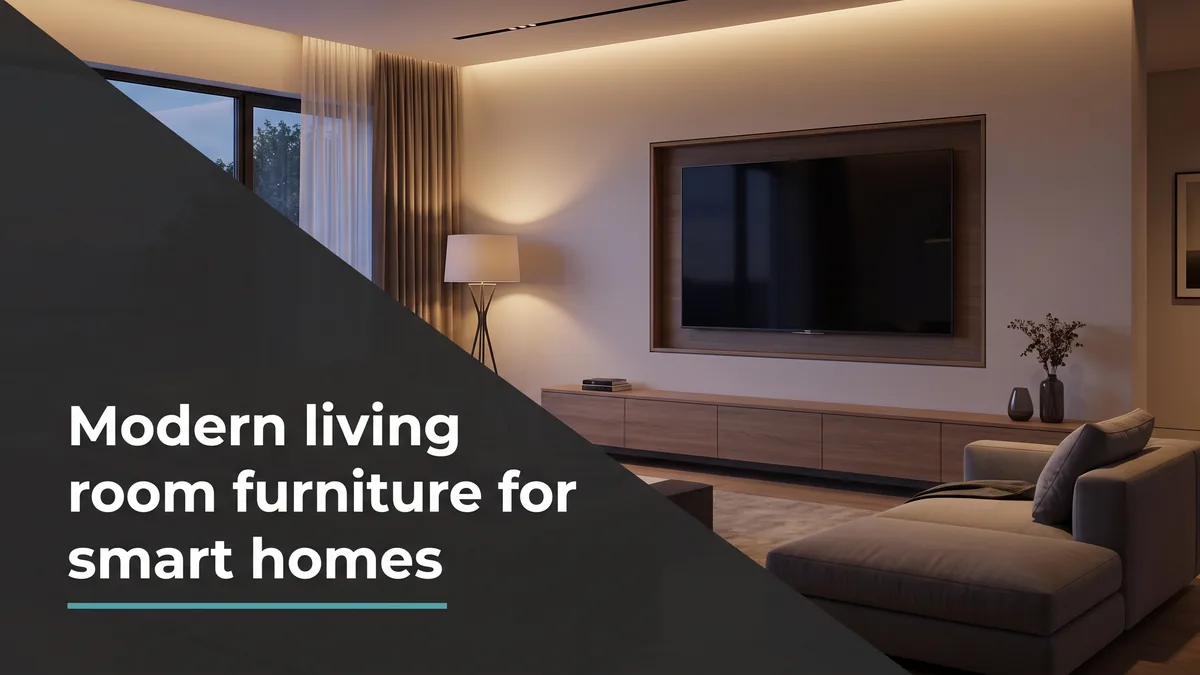
Look behind the television in most connected homes and you find the same thing: a tangle of cords, a streaming box balanced on a shelf, and a soundbar wire running across the wall. The technology got smarter, but the furniture never caught up. Choosing furniture for smart homes is really about the opposite outcome, pieces that make the gear disappear so the room reads as calm and considered instead of cluttered with devices. It starts with the anchor of any connected space, a well-built collection of modern living room furniture.
The best smart living rooms do not look like showrooms for electronics. They look like well-designed rooms where the tech simply works. That takes furniture chosen for what it hides and how it routes power, not just how it looks on day one.
In This Article
What Smart Home Ready Furniture Actually Means
There is no certification for it, which is the first thing to know. When people talk about modern living room furniture for smart homes, they mean pieces designed with cable routing, ventilation, and flexible storage in mind, so a media console can hold a receiver without cooking it and a sofa can charge a phone without a cord snaking across the floor.
Smart home integrators think about this constantly. The trade body for that industry, CEDIA, builds entire standards around hiding and ventilating equipment. You do not need a professional install to borrow the principle: choose furniture that gives the technology a proper home instead of forcing it into a piece that was never meant to hold it.
Quick Take
Smart home ready furniture is not furniture with screens built in. It is well-made pieces with room for equipment, airflow so devices do not overheat, and a path for cables. The goal is furniture that lets the technology work quietly, not furniture that competes with it.
The Pieces That Make Technology Disappear
A few furniture choices do most of the heavy lifting. Get these right and the room stops looking like it is hosting a home theatre convention.
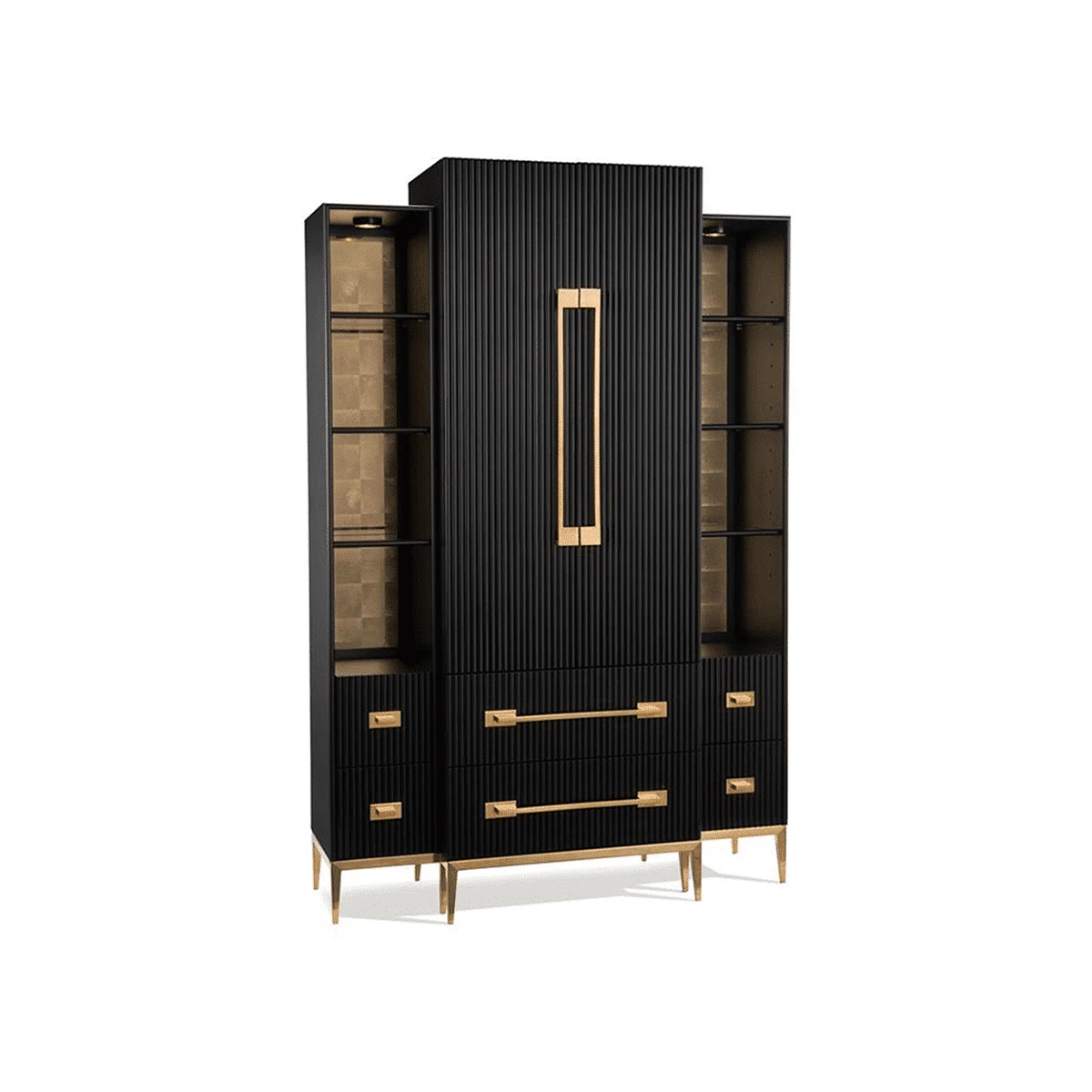
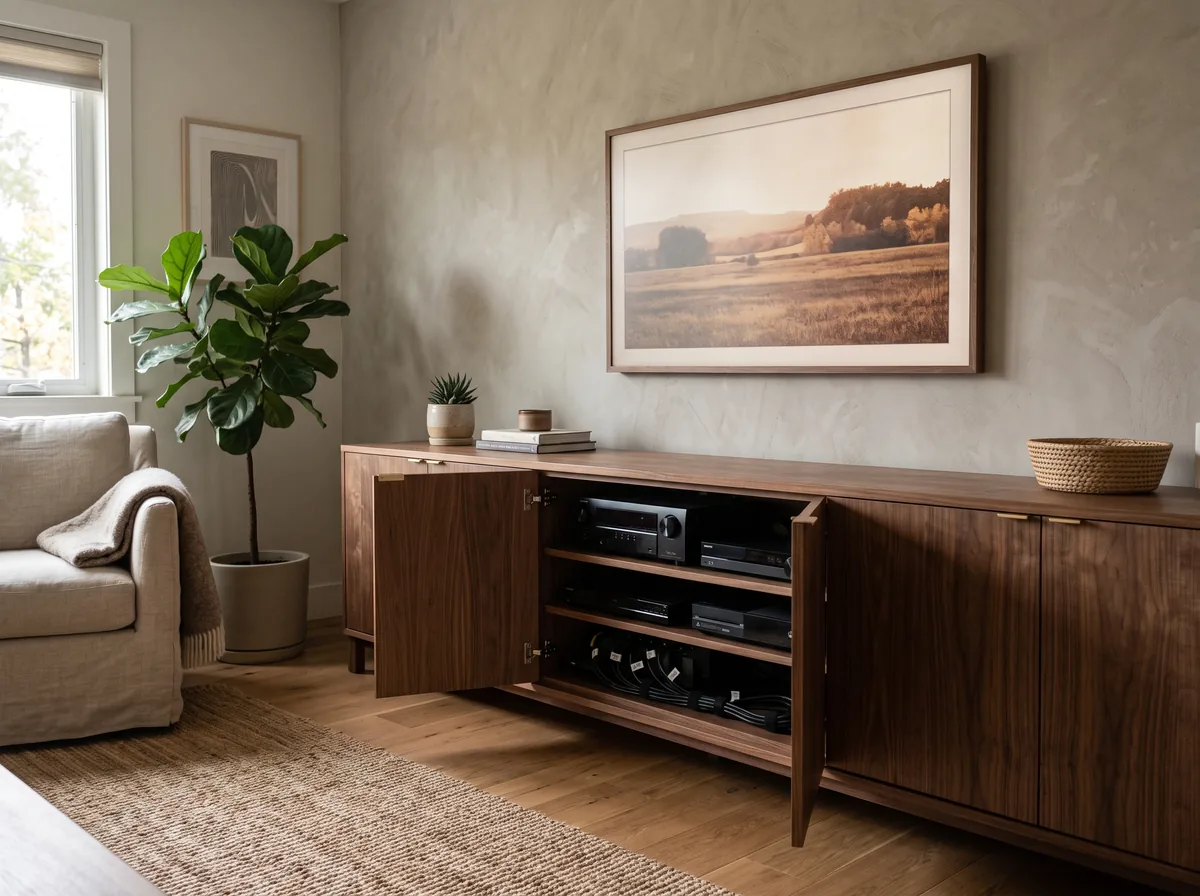
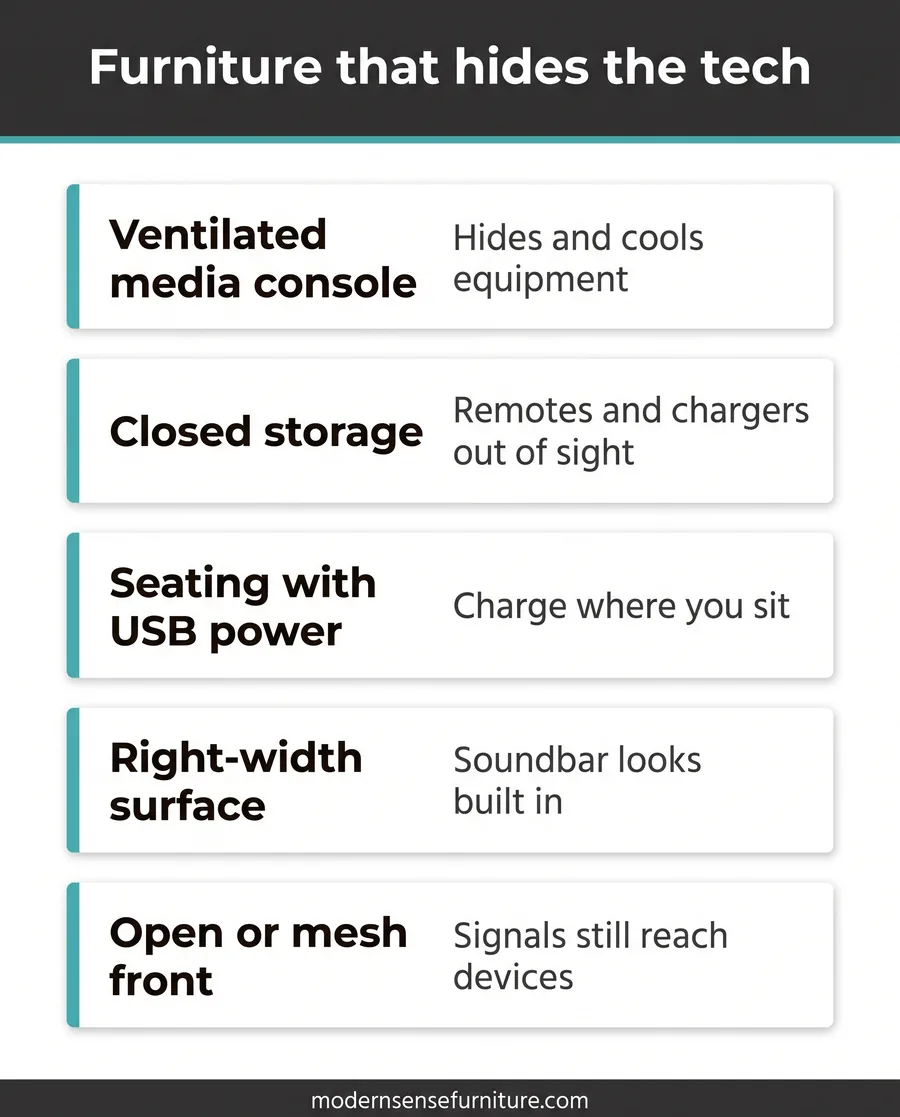
- A proper media console. Look for closed cabinets with ventilation, cable ports at the back, and enough depth for a receiver or streaming gear. A good console does more for a tidy room than any cable clip.
- Storage that closes. Baskets and open shelves show every remote and charger. Cabinets, drawers, and lidded pieces keep the everyday clutter of a connected home out of sight.
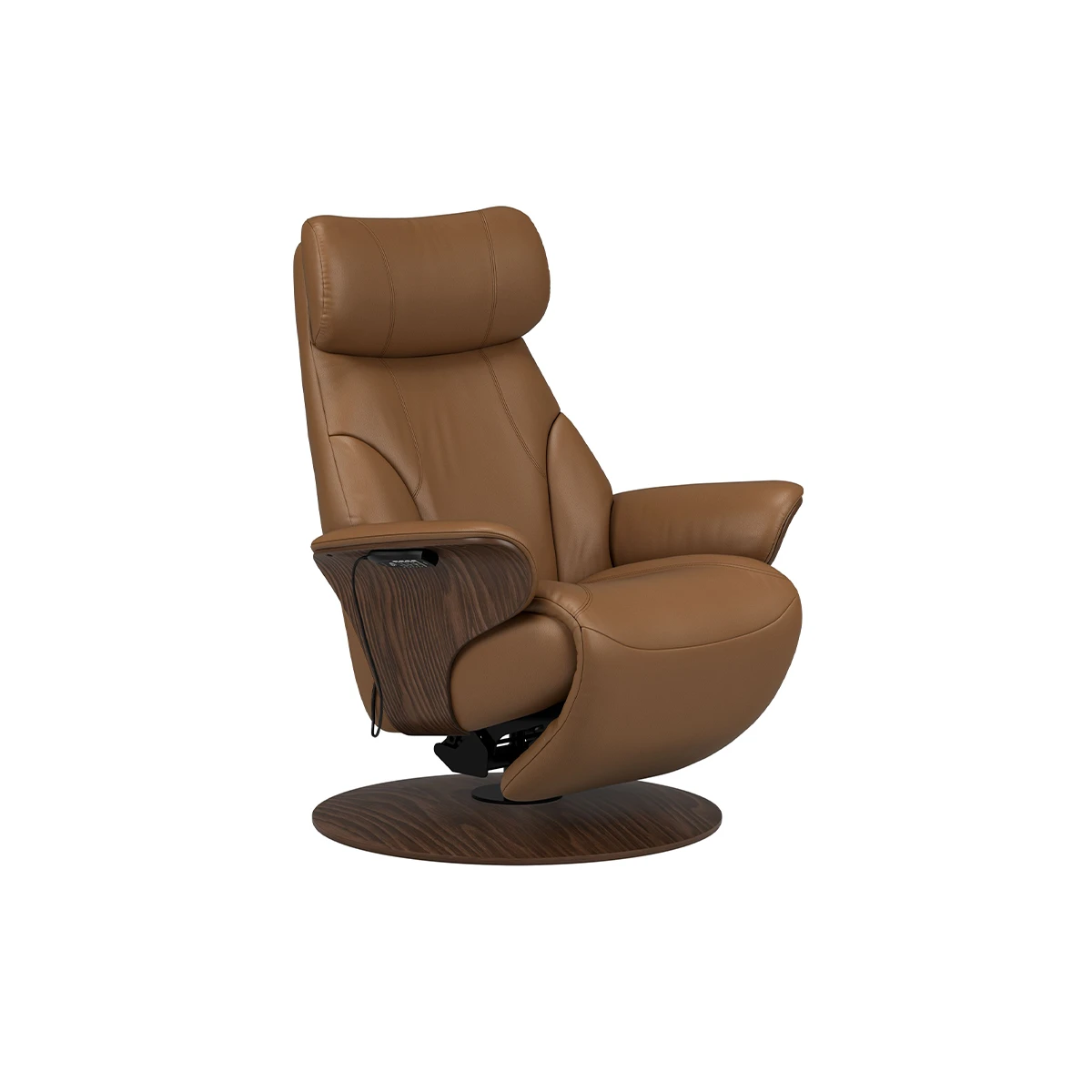
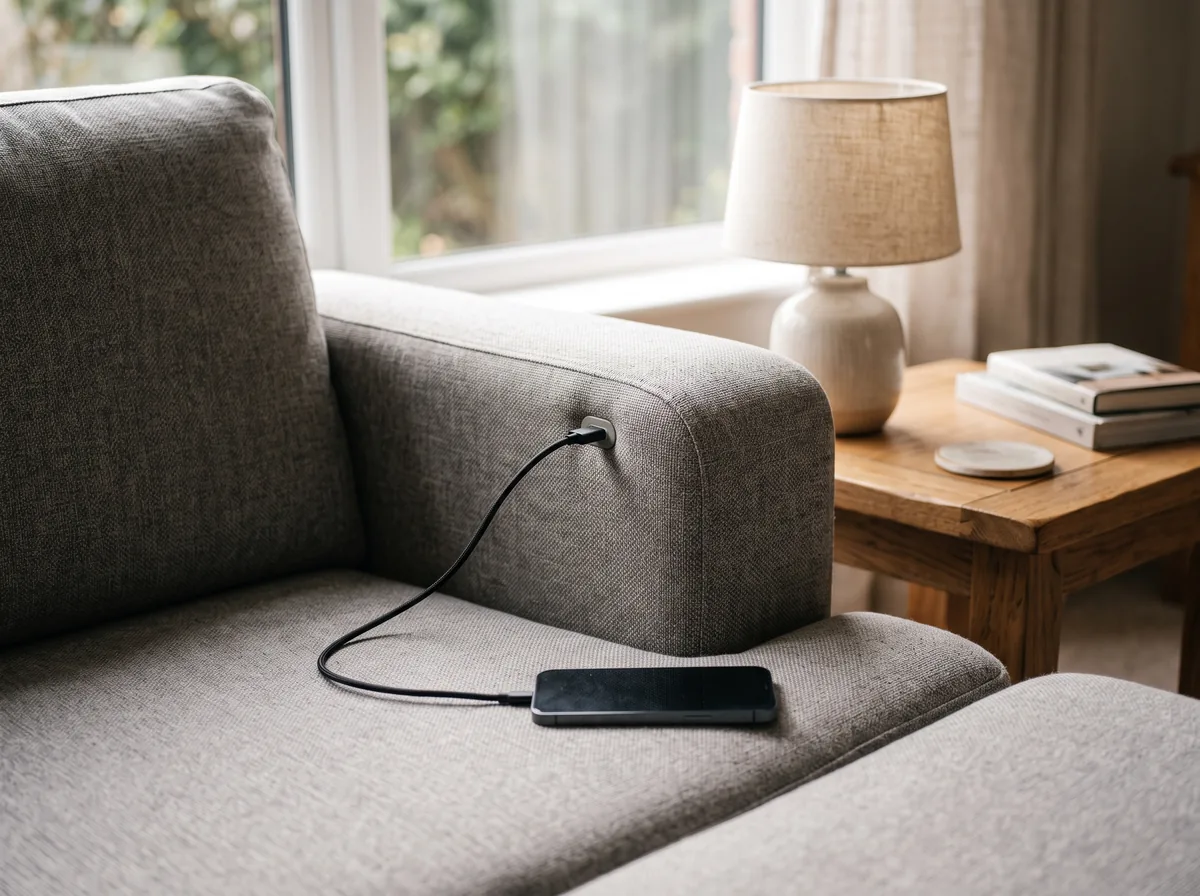
- Motion seating with built-in power. Many modern sectional sofas and recliners now include discreet USB ports and power controls, so charging happens where you sit rather than at a wall across the room.
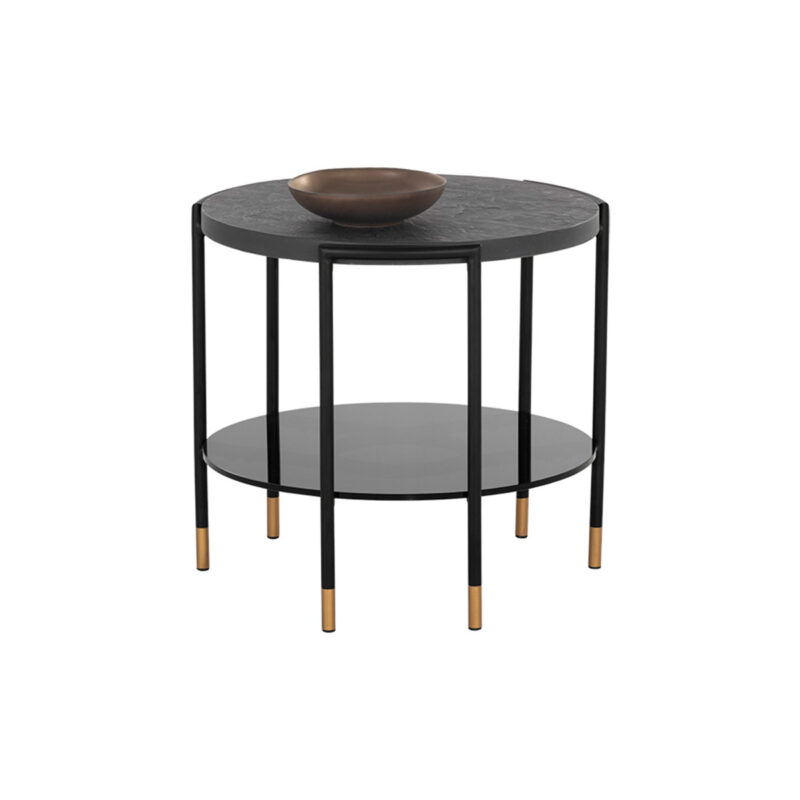
- A surface near every seat. Whether it is modern coffee tables or a matching side console, a phone charging on a nearby surface beats a cord stretched across a walkway, keeping the floor clear.
People Often Ask: Should the TV Go on the Wall or on a Console?
Both can work, but a console earns its place either way. Wall-mounting the television still leaves a receiver, streaming box, and game console to house, plus the cables that feed them. A ventilated media console gives that gear a home and hides the wiring. If you mount the TV, run the cables inside the wall or a cover channel down to the console so nothing dangles.
Power and Cables, Planned Instead of Patched
Cable mess is not a furniture flaw, it is a planning gap. Decide where power needs to reach before the furniture arrives, and the room stays clean for years. Map the seating first, then make sure a charging surface sits within reach of every spot someone actually uses.
Behind the media wall, leave a hand’s width of breathing room between the console and the wall for cables and airflow. Bundle cords with sleeves, label the ends, and route them down through the console’s ports rather than over its top. If you are also rethinking the whole media wall, our guide on stylish ways to integrate a television pairs well with this.
Pro Tip
Buy one more power outlet’s worth of capacity than you think you need. Connected homes only add devices over time, and a media console with a built-in power bar and a couple of spare ports saves you from daisy-chaining extension cords a year from now. Plan for the smart home you will have, not the one you have today.
Lighting, Sound, and the Connected Room
Once the screen and its wiring are handled, lighting and sound are what make a smart living room feel finished. Smart bulbs and dimmers change the mood in seconds, but they still need fixtures worth looking at when the lights are up. A sculptural floor lamp or a quality pendant carries the room by day and hosts the smart bulb by night.
Sound is where furniture and tech overlap most. A soundbar wants a console the right width to sit on or below the screen, and surround speakers want surfaces or stands that do not fight the room’s lines. Choose the furniture with the audio layout in mind and you avoid the classic problem of great speakers perched on mismatched furniture.
Did You Know
Closed cabinets can muffle infrared and some wireless signals. If your streaming box or receiver lives behind a solid door, look for a console with a glass front, a mesh panel, or a cutout so the remote and the network still reach the gear. It is a small detail that prevents a lot of frustration.
Furniture Solutions for Common Tech Problems
Most smart living room headaches trace back to a piece of furniture doing the wrong job. Here is how the right piece solves each one. No prices here, since the fix is about the feature, not the cost.
| Tech Problem | Furniture Solution | Feature to Look For |
|---|---|---|
| Cables visible behind the TV | Ventilated media console | Rear cable ports and closed cabinets |
| Devices overheating | Console with airflow | Vented back panel or mesh doors |
| Phones charging across the room | Motion seating or side tables | Built-in USB and power near each seat |
| Remotes and chargers everywhere | Closed storage | Drawers and lidded compartments |
| Soundbar looks like an afterthought | Right-width console | Surface sized to the screen and bar |
| Signal blocked by cabinet doors | Console with open front | Glass, mesh, or a cutout panel |
This table is general guidance, not a technical specification. Ventilation needs, weight limits, and fit vary by product and by the equipment you own. Confirm dimensions, clearances, and suitability with a design consultant before purchase. Modern Sense Furniture is not liable for outcomes from decisions made on this content alone.
Download the Free Quick Guide
A one-page checklist for choosing furniture that hides the tech and keeps the room clean.
Frequently Asked Questions
What Furniture Do I Need for a Smart Living Room?
Start with a ventilated media console that can house and cool your equipment and hide the cables, then add closed storage for the everyday clutter of remotes and chargers. Seating with built-in USB or power keeps charging where you sit, and a side table near each spot gives phones a home off the floor. Good lighting fixtures round it out, since smart bulbs still need attractive fixtures. The theme is furniture that gives the technology a proper place rather than forcing it into pieces that were not designed for it.
How Do I Hide TV and Media Cables With Furniture?
Choose a media console with rear cable ports and closed cabinets, leave a hand’s width of space between the console and the wall for cables and airflow, and route cords down through the ports instead of over the top. Bundle them with sleeves and label the ends so future changes are easy. If the television is wall-mounted, run the cables inside the wall or a paintable cover channel down to the console so nothing dangles. The furniture does the hiding, but a few minutes of planning makes it look effortless.
Does Furniture Affect Smart Home Device Signals?
It can. Solid cabinet doors sometimes block infrared remotes and weaken some wireless signals, so a streaming box or receiver tucked behind a closed panel may respond poorly. Look for a console with a glass front, a mesh panel, or a rear cutout so signals and airflow both reach the equipment. Metal furniture close to routers or access points can also interfere, so keep networking gear in open, ventilated spots rather than sealed metal cabinets.
Do Modern Sofas and Recliners Come With Charging Ports?
Many do. A growing number of modern recliners, motion sofas, and sectionals include discreet USB ports or power controls built into the arm or base, which is genuinely useful in a connected home. It means a phone or tablet charges where you actually sit instead of at a wall across the room. If that matters to you, ask about power options when you shop, since availability varies by model and configuration.
Can a Living Room Look Luxurious and Still Be Full of Technology?
Yes, and the trick is making the technology recede. The most polished smart living rooms hide the gear inside well-made furniture, route the cables out of sight, and let quality materials and lighting carry the look. When the devices disappear into considered pieces, the room reads as calm and upscale rather than as a showcase of electronics. Luxury and technology are not in tension here. Good furniture is what reconciles them.
Keep Reading
Building or upgrading a connected living room? Modern Sense Furniture carries Caracole furniture and beautiful media consoles designed to hide the tech and cool the gear, providing luxury options for anyone looking for high end furniture in Toronto. Talk to our design team and let the technology disappear beautifully into the room.